Check out the ITS Online Store for awesome new products!

From the category archives:

DIGICOM

Post image for LifeProof iPhone Case: Protecting Against Water, Dirt, Snow and Shock

When I first heard about the LifeProof case, I was hesitant to believe the hype surrounding it, but anxious to try one out for myself. I’d been wanting something that protected my iPhone from not just the daily abuse and pocket lint, but insured my investment against tragedies like I’m about to explain.

Around a year ago I was checking email first thing in the morning, standing over the toilet, when my still asleep fingers dropped my iPhone into the water like a depth charge. I then did what any self-respecting individual would do when they drop a four hundred dollar electronic device into the toilet. I grabbed it as fast as I could, gave it a quick rinse and tried to do what I could to dry it out.

Get rid of that scowl, you know you’d do the same thing! While it did function for a few weeks afterwards, I vowed to protect my replacement phone a little better and also not to take my iPhone anywhere near the toilet. I’ve since found the LifeProof case and have great things to say about it, so let’s get right into the review. [Read More…]

{ 16 comments }

Post image for Securely Encrypt Messages with a Deck of Cards and Solitaire

Neal Stephenson’s cypherpunk novel Cryptonomicon contains a cryptosystem called Pontifex. This low-tech cryptographic algorithm uses a deck of playing cards to encrypt and decrypt messages.

Outside of the book, this algorithm is actually called Solitaire. It was designed by cryptographer and security expert Bruce Schneier at the request of Neal Stephenson. Solitaire allows secure communications without having to rely on computers or other tools that might indicate that cover channels are being used, or where access to a computer is not possible. It was designed to be secure even against the most well-funded adversaries with the biggest computers and the smartest cryptanalysts.

Solitaire gets its security from the inherent randomness of a shuffled deck of cards. Using this deck, keyed in a special way, two people can create a set of random letters that will be use to encrypt the messages. The process is somewhat slow, but it’s hard to spot that a deck of cards is being used to encrypt information. [Read More…]

{ 12 comments }

Post image for Back to School with Stanford University’s Free Online Cryptography Course

I wanted to bring everyone’s attention to something I’ve just signed up for. The prestigious Stanford University has recently released a free online cryptography course taught by Professor Dan Boneh of the Stanford Computer Science Department.

This cryptography course is part of Stanford’s new and completely free online Coursera courses. I first heard about the Cryptography course when it was announced back in November of last year and after a few delays, it’s finally available for registration. Actually it was available back on March 6th, but for some reason an email letting me know this was delayed reaching me until today. They state on the registration page that registration closed yesterday, but I was just able to sign up and wanted to pass this info along to anyone who might want to still get enrolled.

Here’s Stanford’s description of the Introduction to Cryptography course: [Read More…]

{ 7 comments }

Post image for Bugging Out with Personal Information

A copy of your personal information should always be included as part of a bug-out bag or evactuation kit. I have often been asked why we need this information and have had people say that they have this information secured in a safe in their home.

Is that information actually safe? Are you certain that your safe will survive a major fire? What if a tornado destroys or removes you house and it just can’t be found? A nuclear emergency, such as the one in Japan, might mandate an evacuation where you are not allowed to return.

There are many reason to carry important personal information when you evacuate. I like to carry a backup of my personal information on me at all times, as well as in my bug-out bag. The real problem is securing that information. I have seen it often recommended that all your personal information be placed in a file folder and kept in a large zip-lock bag. Obviously, if this file is found or stolen, you have a real potential identity theft problem. So what do you do? [Read More…]

{ 21 comments }

Changers Starter Kit attached to GORUCK GR2

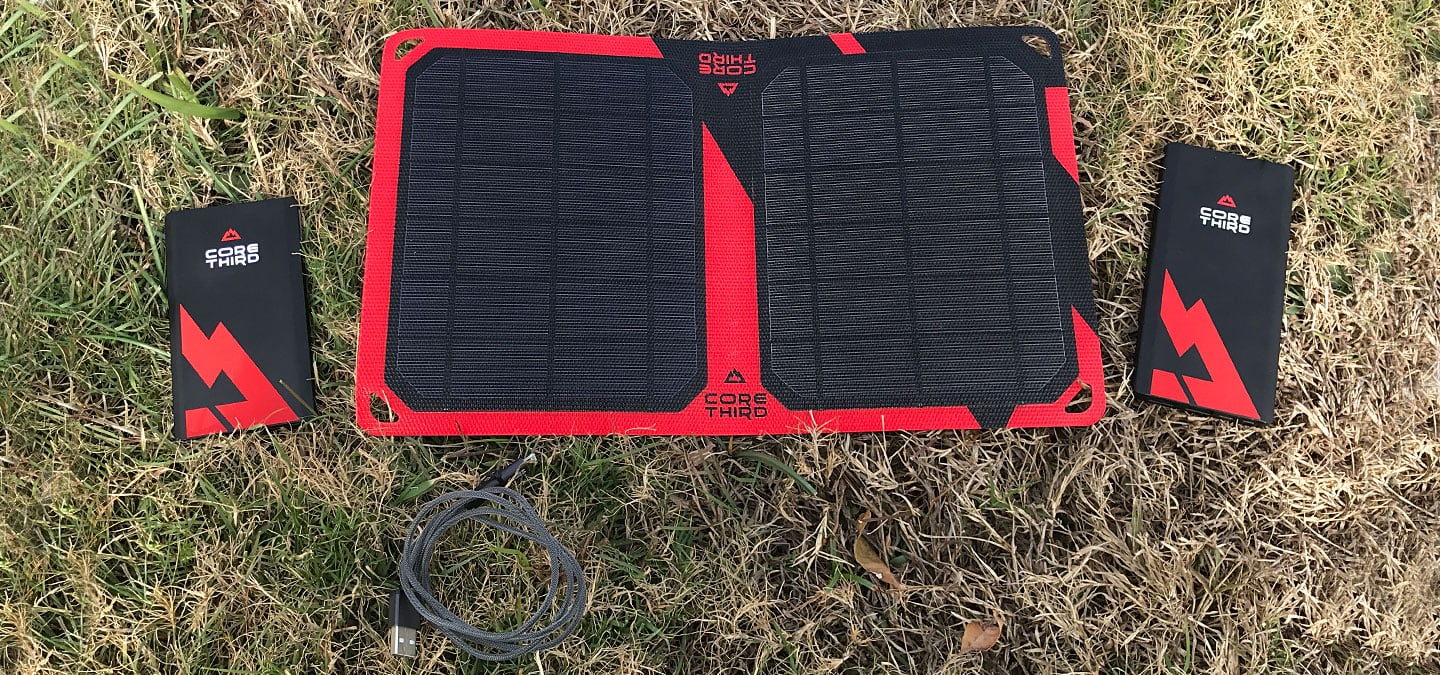
We live in a very digitally connected age. Everyone is constantly texting, tweeting, and surfing on their mobile devices. But what do you do when your battery runs out? If you don’t have access to an outlet, you’re probably out of luck.

My only digital camera is my iPhone 4S and I rely on it to have power when I want to capture a moment with a photo. I brought my iPhone on the GORUCK Ascent and managed to extend the battery life as long as possible by turning it off when I wasn’t using it but I could have gotten more photos had I brought some sort of a charger.

[Read More…]

{ 6 comments }

Post image for Field Testing the Gerber Cable Dawg

I recently had the opportunity to take the Gerber Cable Dawg on a multi-week exercise and put it to the test in the field. The Dawg is one of the most well thought out tools I’ve come across, specifically targeting the communication specialists out there.

In one tool they’ve combined a cable cutter, knife, CAT5 jacket cutter, wire stripper, RJ45 crimper, and an interchangeable magnetic driver for your flat, Phillips, and even punch-downs.

My team’s multi-week experience with the tool included creating custom-length Ethernet cables, punching down wires, snipping the ends off of zip ties, opening up boxes full of network gear, etc. Essentially, we used the tool for all the real-world things one would expect from someone setting up comms gear in the field. Our goal was to install a series of IP-based cameras and other sensors, along with the supporting comms gear, bringing everything back into a small Network Operating Center (NOC) at a Forward Operating Base (FOB). [Read More…]

{ 6 comments }

Post image for Securing Your Digital Life: Simple Tips for Your Devices in Public

In today’s society, our devices are constantly connecting to one another through multiple formats. These devices contain a multitude of different methods to ensure that we’re able to connect whenever and wherever we are.

Most smart phones contain connection abilities for X, EV and 3G/4G Cellular Networks, WiFi, Bluetooth and GPS. A simple device like a cell phone can have the ability to connect using all these six different methods!

These public connections are great for sharing and receiving information on the go, but unfortunately this means our devices are open to even more threats than ever before.  For example, your cell phone may be connecting to different devices and networks in public without your knowledge. It’s very important to understand how to secure your devices against unwanted intrusion in order to keep your information safe while in public. [Read More…]

{ 10 comments }

Post image for Securing your Digital Life: Home Wireless Network
1 of 1 in the series Securing Your Digital Life

In today’s world, we rely on electronic devices more than ever before. These devices allow us to connect and share information throughout the world at a speed that was never thought possible. We can now share our ideas instantly through laptops, smartphones, tablets and other devices.

In a world where information moves at the speed of light, the need for security has never been higher. Our devices and identities are subject to a variety of attacks both physical and electronic. There are many methods and practices for securing your information. Today, we’ll start with the basics.

Having a network in your home is a great way to share information between your devices without physically transferring it. The most common way people network their devices in the home is through the use of a wireless router. Wireless routers are great because they allow us to access the Internet anywhere in the house. However, if not secured properly, routers can be a great point of attack for someone looking for your information.

Most good quality home networking equipment provides certain settings that can help to secure the wireless network. In this article we won’t cover any specific hardware, but we will discuss common settings and best practices. Remember, network security is no different than security in other areas. We advocate a multi-layered approach that doesn’t rely on just one point of failure. [Read More…]

{ 14 comments }

Post image for Using Red Team Tactics to Secure Your Virtual and Physical Perimeter

The art of war teaches us to rely not on the likelihood of the enemy’s not coming, but on our own readiness to receive him; not on the chance of his not attacking, but rather on the fact that we have made our position unassailable.
– Sun Tzu

Defined loosely, a Red Team is a group of experts engaged in the practice of viewing a problem from an adversary’s perspective. This adversary can be an enemy trying to infiltrate the perimeter, a competitor trying to get the latest marketing documents or a robber trying to break into a house.

The goal of most Red Teams is to enhance decision making, either by finding and pointing to the weak links in a security system or by simply acting as a devil’s advocate. [Read More…]

{ 9 comments }

Post image for SECURITY RISK: Your iPhone and iPad is Tracking Everywhere You Go!

Data Scientists Alasdair Allan and Pete Warden have just released new research detailing how Apple is keeping track of your every move in an unencrypted file that resides on the computer you use for backing up your iPhone and iPad 3G.

While there’s no evidence this data is being transmitted to Apple, we strongly feel this is a security risk, as this tracking information is located in a file called location.db in your backup files and records every cell tower you’ve accessed.

Allan and Warden notice that the first instance of location tracking started with the install of iOS4 in both the iPhone and iPad, which was released almost a year ago. This means there’s nearly a year’s worth of locations stored in this consolidated.db file. This is thousands of data points! [Read More…]

{ 13 comments }